Huminz — Write Your Life Story, Memoir & Biography for Free

Preserve a life story before the memories fade.

Huminz is a free online platform for writing, illustrating and sharing a life story — your own, or a parent’s or grandparent’s. It turns memories, photographs, people, places and milestones into chapters along a personal timeline, set against the history of the years you lived through.

Start with one memory. Build the story over time.

Free to write, edit and share. No subscription required.

Huminz — Turn memories into a life story. Featured on Product Hunt

The Online Life Story, Memoir & Biography Platform

Huminz is an online memoir and biography writing platform designed for anyone who wants to preserve a life story — their own, a parent’s, or a historical figure’s. We give you the structure, the timeline, and the historical context so the writing feels natural, not overwhelming.

Writing life stories is hard. Huminz helps out by providing a structure, allowing you to add details as you go along.

As you write, Huminz places your story alongside world events from the same era — the music, the news, the films. Suddenly a personal memory becomes part of a larger human story. It’s memoir writing with depth, context, and heart.

Write your personal memoir or autobiography

Write Your Personal Memoir or Autobiography

Create a personal memoir as detailed or as simple as you like. Add photos, videos, and the people who shaped each chapter. Huminz makes rediscovering your own life a genuine pleasure.

Create a biography for a parent, relative, or historical figure

Create a Biography for a Parent, Relative, or Historical Figure

Preserve a parent’s or grandparent’s family history and legacy before the memories fade. Explore the biography of a celebrity or historical figure. Whoever your subject, Huminz helps you build a biography that does them justice.

Share your life story as a book, timeline, map, or slideshow

Share Your Life Story as a Book, Timeline, Map, or Slideshow

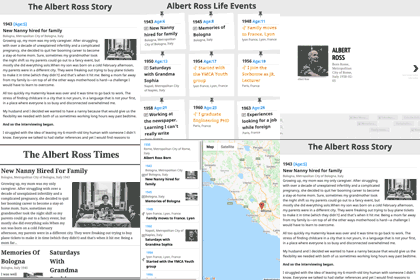
Read your story in a personal newspaper layout, trace it on a map, or present it as a slideshow at a family gathering. Huminz turns a memoir into an experience — one you can share in a click.

A life is more than a list of dates

And it is held in more places than anyone realises

The pieces are scattered

Photographs in a drawer, slides nobody can play, letters in a tin, and the rest in one person’s head.

Photographs lose their people

A picture outlives the name of the face in it. Two generations on, nobody can say who is standing on the left.

The telling gets postponed

Everyone means to sit down with their parents and ask properly. The window for it is shorter than it looks.

A blank page is daunting

“Write my life story” is too large a thing to face on a Tuesday evening, so it waits for a better week.

None of this is a writing problem. It is a structure problem — which is the part Huminz takes care of.

Start small

Nobody writes a life in one sitting. It grows like this

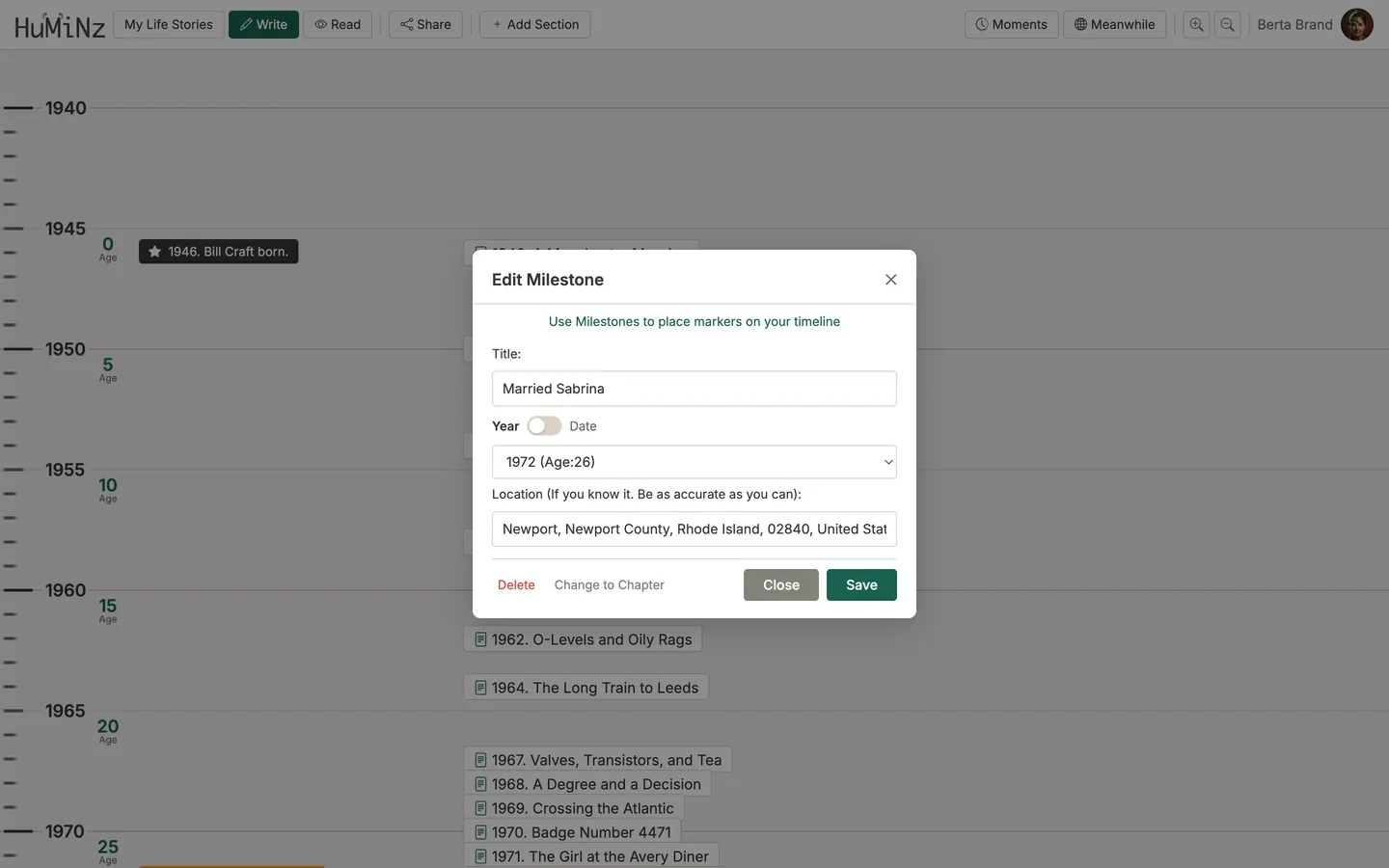
  1. A milestone

    A year and a line. 1967 — married Sarah. Thirty seconds’ work.

  2. A memory

    One afternoon you remember clearly, written the way you would tell it aloud.

  3. A photograph

    Add the picture, and say who is in it — so the caption outlives everyone who knew.

  4. A chapter

    The memory, the people, the place and the year it happened, in one piece.

  5. A life story

    Twenty evenings later, the chapters are a book — and you never once faced a blank page.

Start with one memory. Build the story over time. Start my story

Why we built Huminz

We have spent our careers designing technology — digital prepress systems, medical imaging, interactive whiteboards. Huminz is the personal one. We built it because ordinary lives contain extraordinary stories, and those stories are surprisingly easy to lose: a photograph outlives the name of the person in it, and the details go with whoever remembered them.

More about Etan and Rafi

What makes Huminz different

More than a document with photographs in it

You could write a life story in any word processor. These are the parts that need Huminz.

A timeline to build on

Mark out a whole life by year — born, moved, married, the losses — in one sitting, before writing a word. Then fill in the chapters over weeks. It turns “write my life story” into “write one memory”.

Meanwhile, in the world

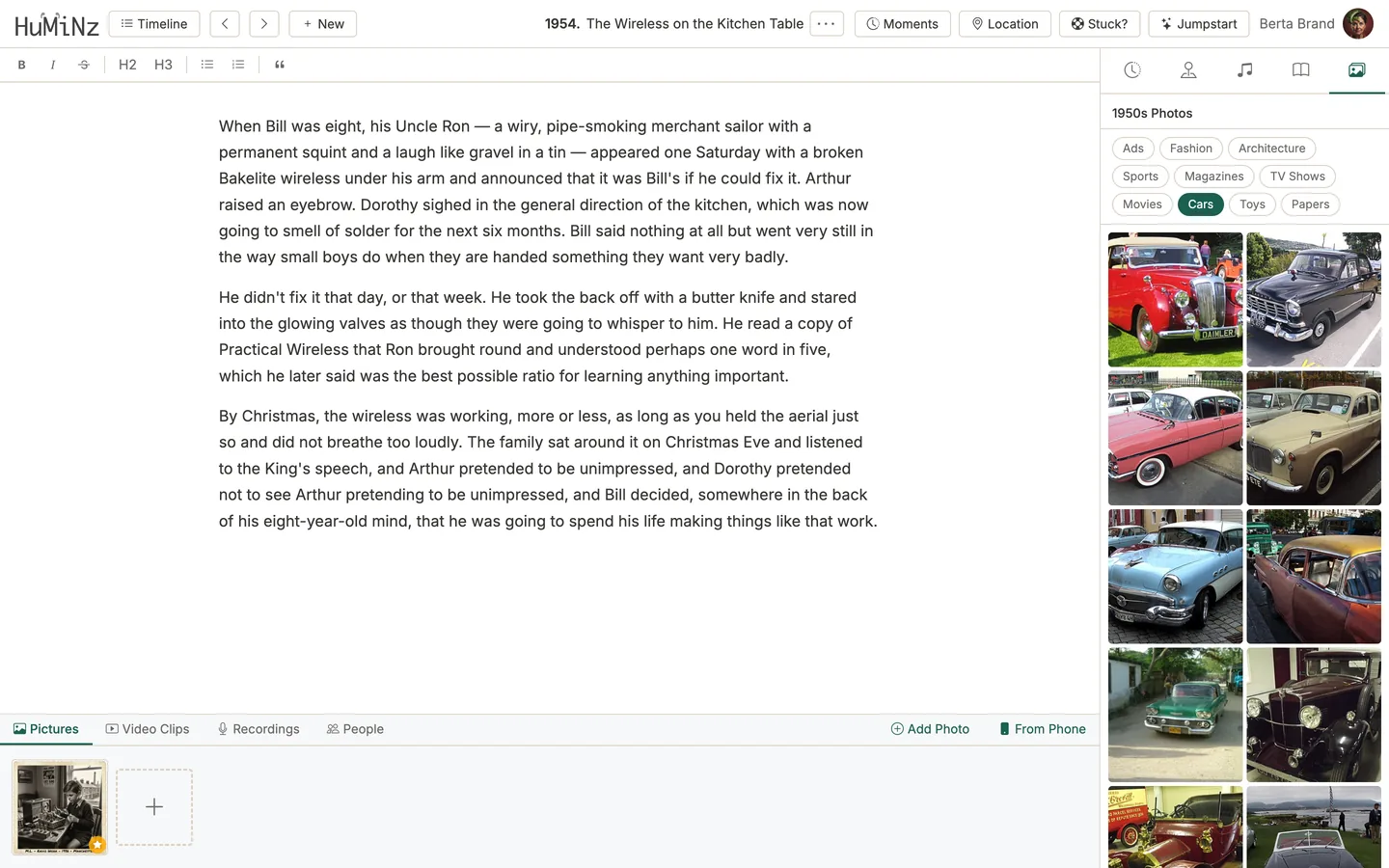
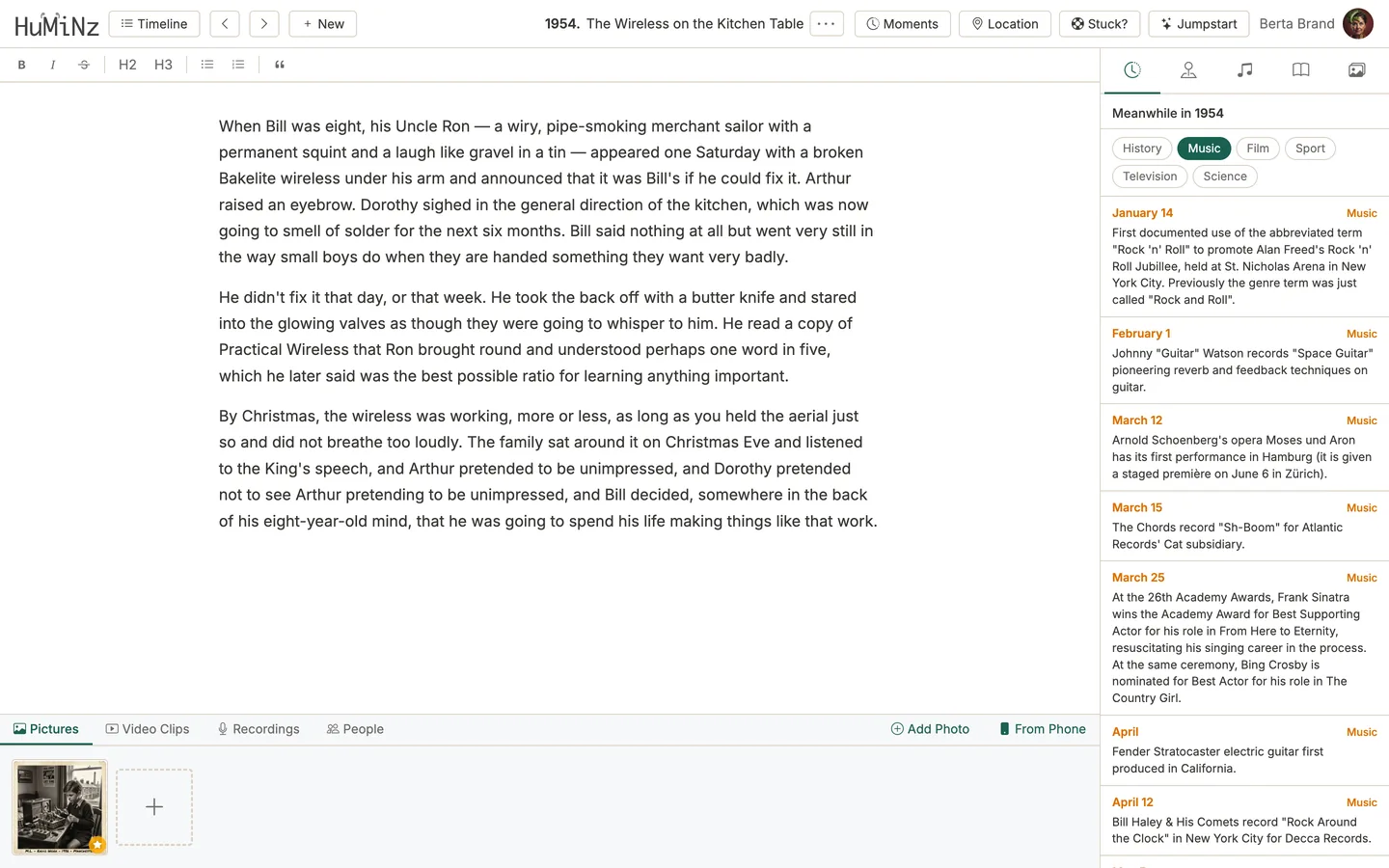
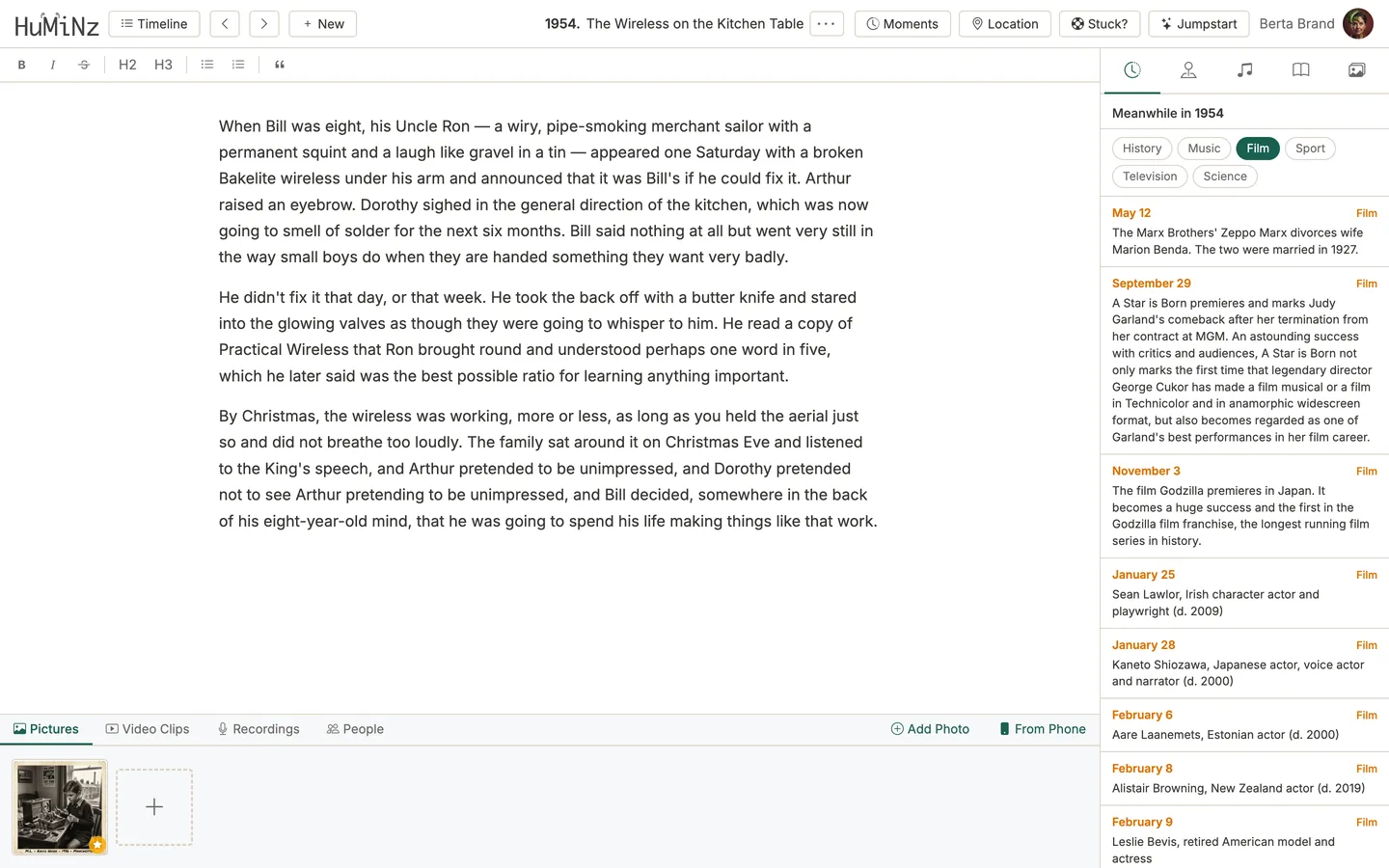
While you write about 1956, Huminz shows you the year beside you: the news, the songs, the films, the sport. It works as a memory aid as much as context — seeing what was playing shakes loose the rest.

The people in it

The people who shaped a life get their own portraits and short accounts, linked to the chapters where they belong — so a reader can follow one person through the whole story.

Photographs, video and voice

Photographs keep their captions, so nobody is left holding a picture of a face they cannot name. Add video, and record the voice telling the story — often the part a family treasures most.

Room for the rest of the family

Invite a brother or a cousin to write their side of the same afternoon. It arrives in their words, under their name, and you decide whether it goes in.

Eight ways to read it back

The same story as a book, a newspaper front page, a map of the places it happened, a timeline, a slideshow for a family gathering — even a quiz. Written once, read however suits the reader.

Prefer to watch? Three short videos

Real life stories and memoirs written on Huminz

Check out a few stories created in Huminz. Be sure to try the various reading modes. Then go and create your own.

Clair Russo — example Huminz life story, born in Lyon in 1936

Clair Russo

Born 1936 · Lyon
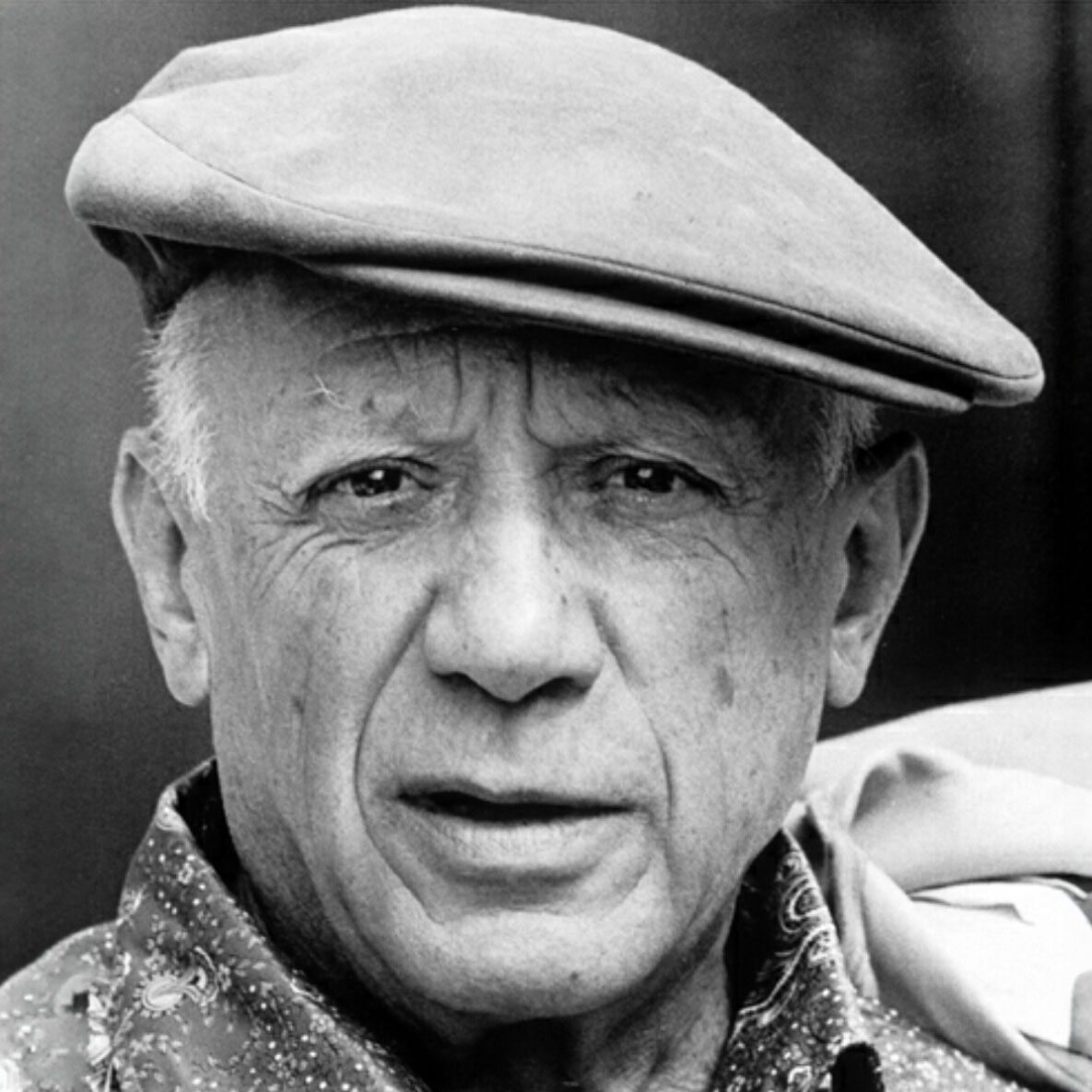
Pablo Picasso — example Huminz story

Pablo Picasso

Born 1881
Bill Craft — example Huminz story

Bill Craft

Born 1946
Anne Bancroft — example Huminz story

Anne Bancroft

Born 1931

Watch how it works

Three short videos — about ten minutes altogether

What you are making

A quick look at a finished Huminz story — the book, the photographs, the timeline, the map and the slideshow — before you start your own.

See

Your first ten minutes

From a brand-new story to your first written chapter, start to finish and without a break.

See

Milestone, chapter or thought

Three kinds of entry, and when to reach for each. A milestone marks a date, a chapter tells a story, and a thought is a reflection that belongs to no particular year.

See

More videos are being recorded. In the meantime, every screen is shown here and the nine-step guide covers the method.

See Huminz life story writing in action

Huminz is designed to tell your life stories. Our goal is to keep your stories alive, sharing them in a variety of forms both digital and physical..
See how it looks in Huminz

  • All
  • Writing
  • Meanwhile
  • Reading
  • Sharing
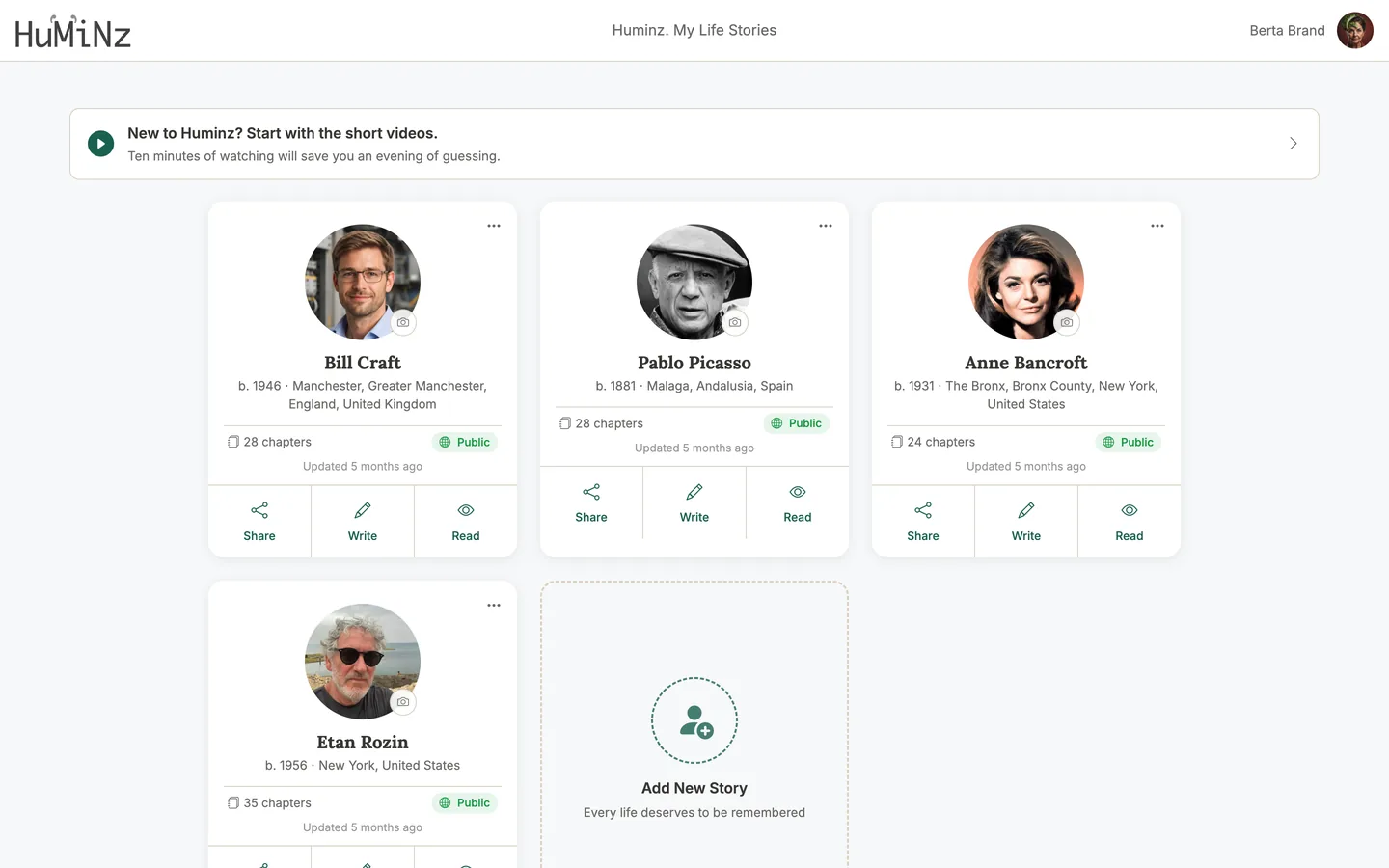
The Huminz My Life Stories page, with a card for each life story

My Life Stories

Writing

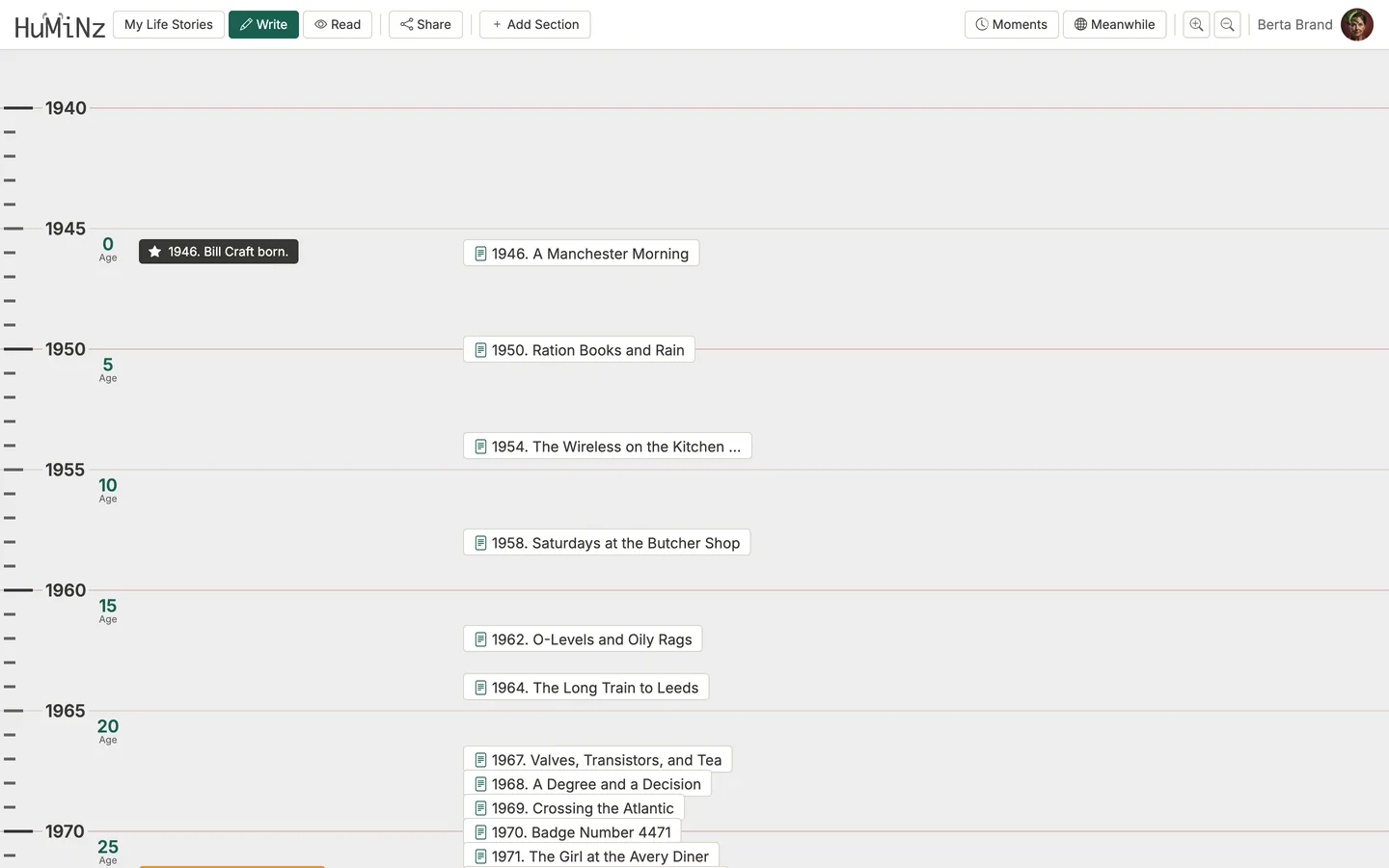
A Huminz life story timeline, with milestones and chapters placed by year

The Timeline

Writing

Adding a dated milestone to a Huminz life story timeline

Adding a Milestone

Writing

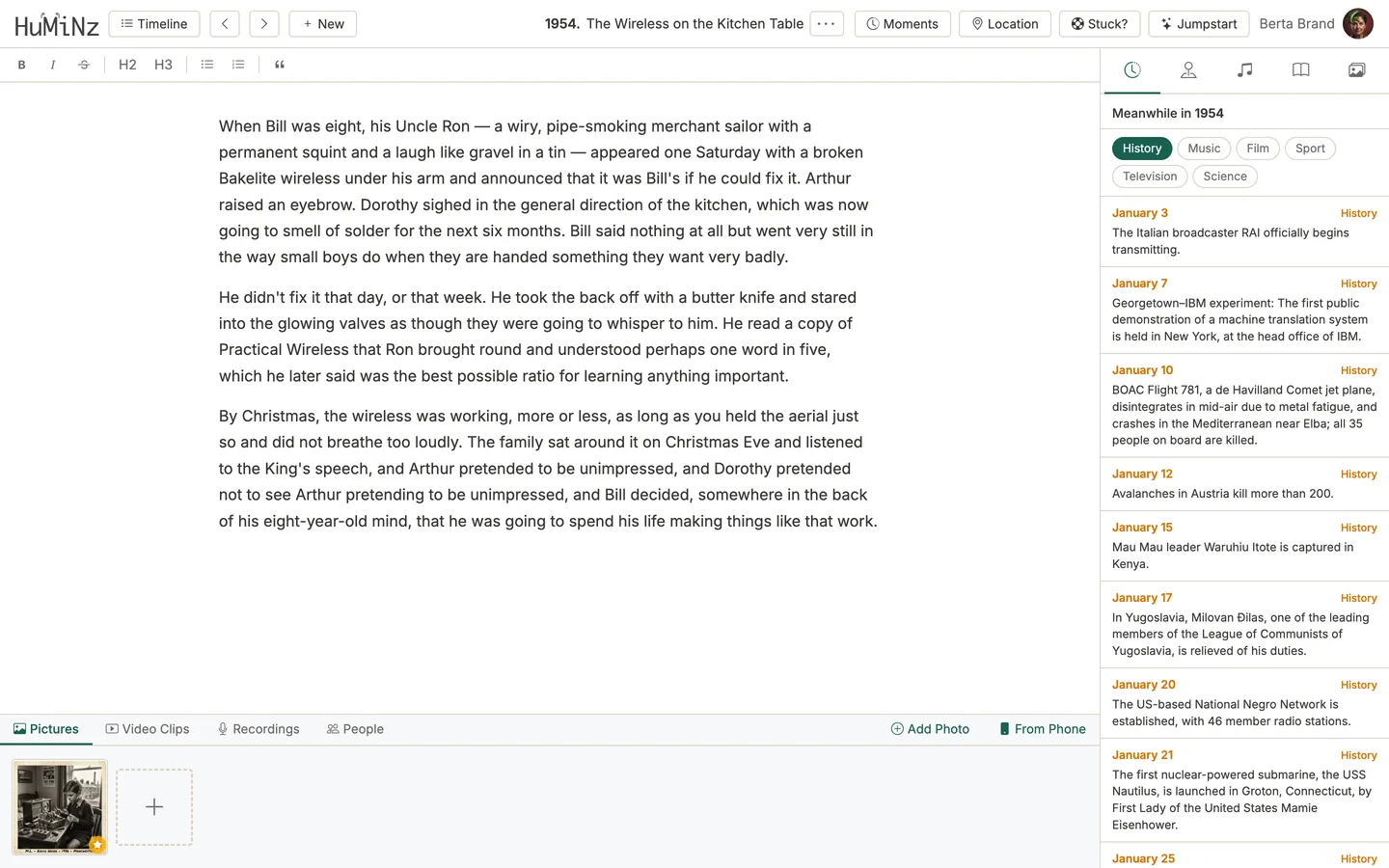
Writing a memoir chapter in the Huminz chapter editor

Writing a Chapter

Writing

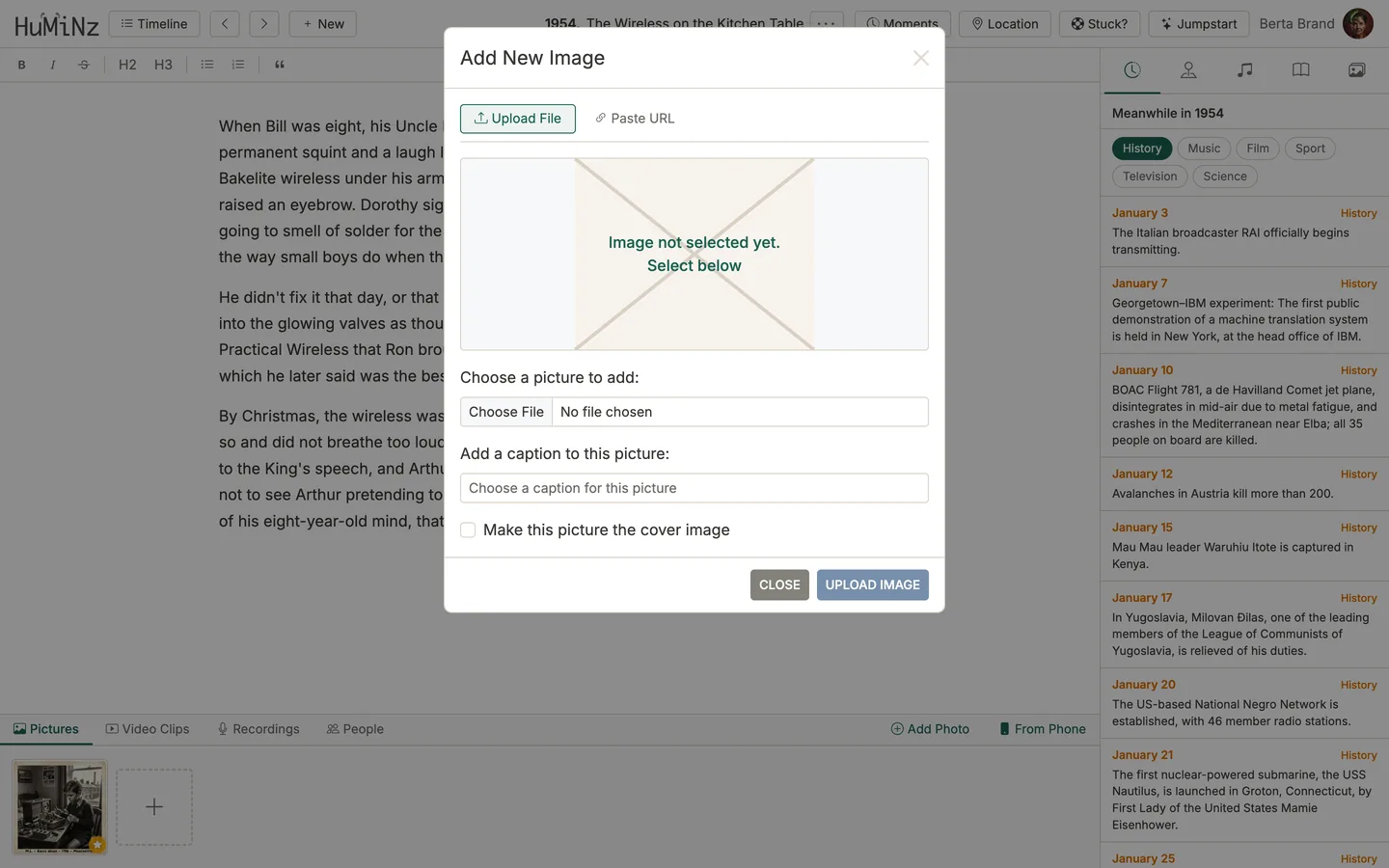
Adding a photograph with a caption to a Huminz story chapter

Adding a Photograph

Writing

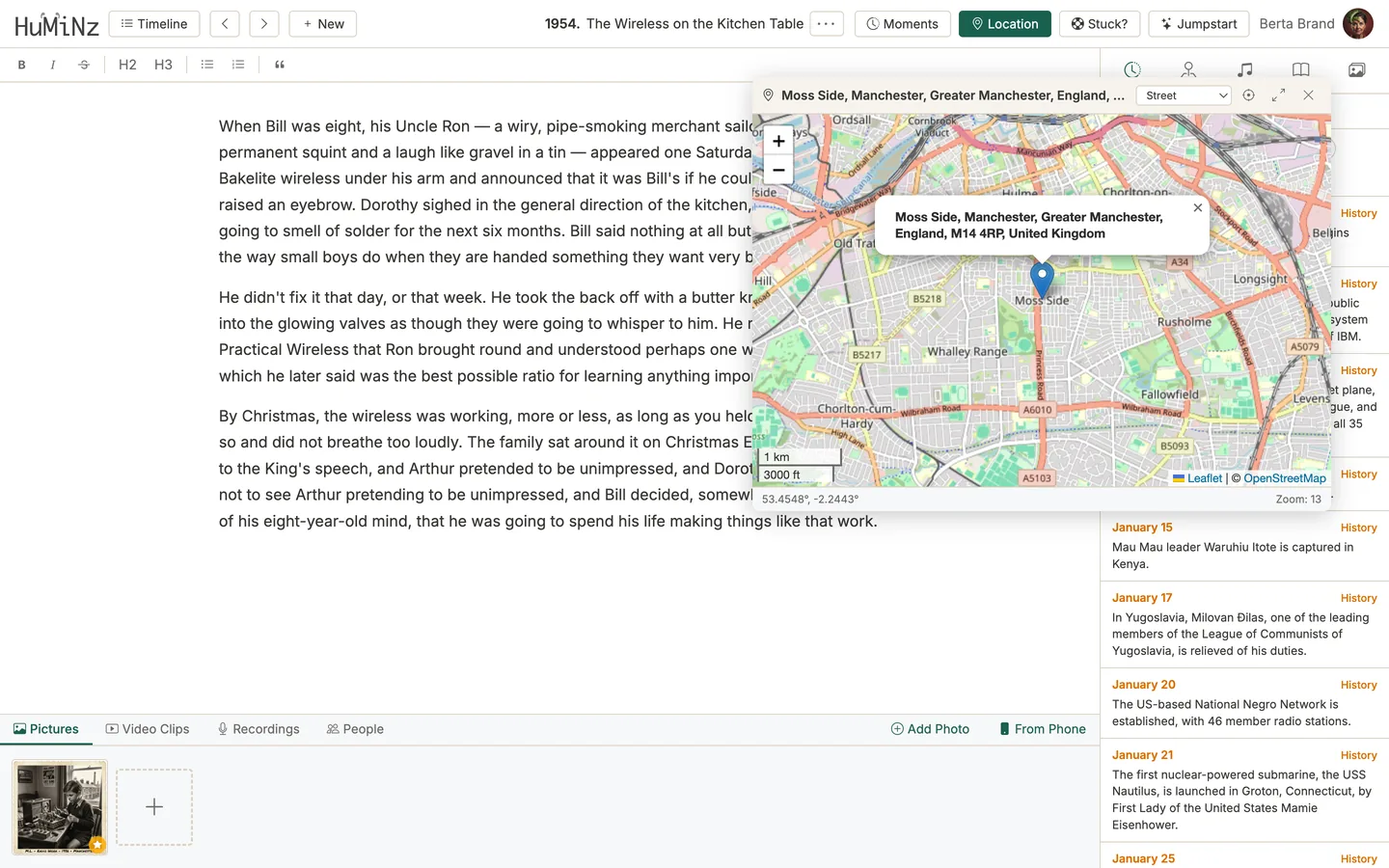
Setting the place a Huminz chapter happened, shown on a map

Where It Happened

Writing

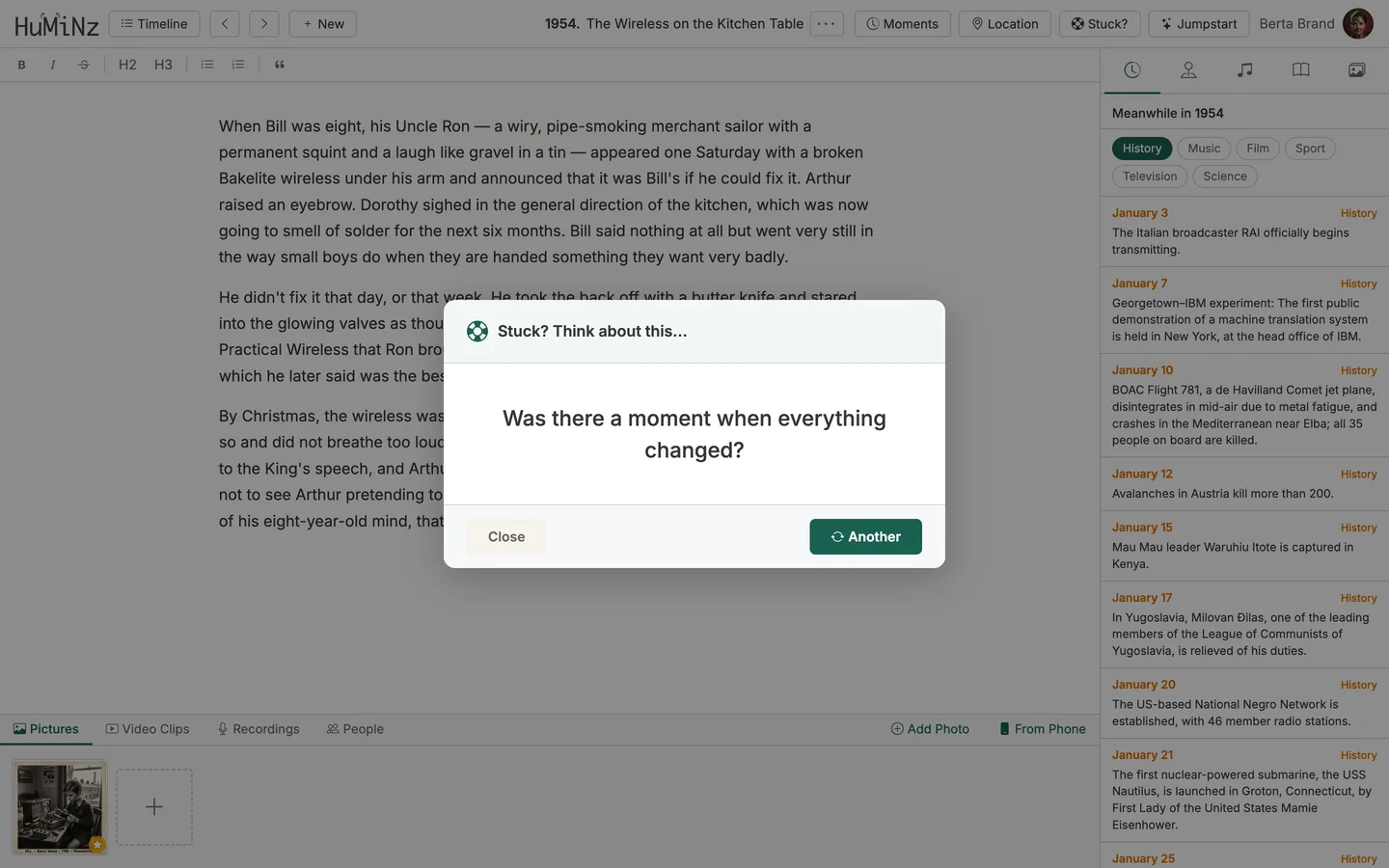
A Huminz writing prompt offering a question to restart a chapter

When You Are Stuck

Writing

Meanwhile in Huminz showing 1950s period photographs beside a chapter

Meanwhile: Photographs

Meanwhile

Meanwhile in Huminz listing the music of the year a chapter describes

Meanwhile: Music

Meanwhile

Meanwhile in Huminz listing the films of the year a chapter describes

Meanwhile: Film

Meanwhile

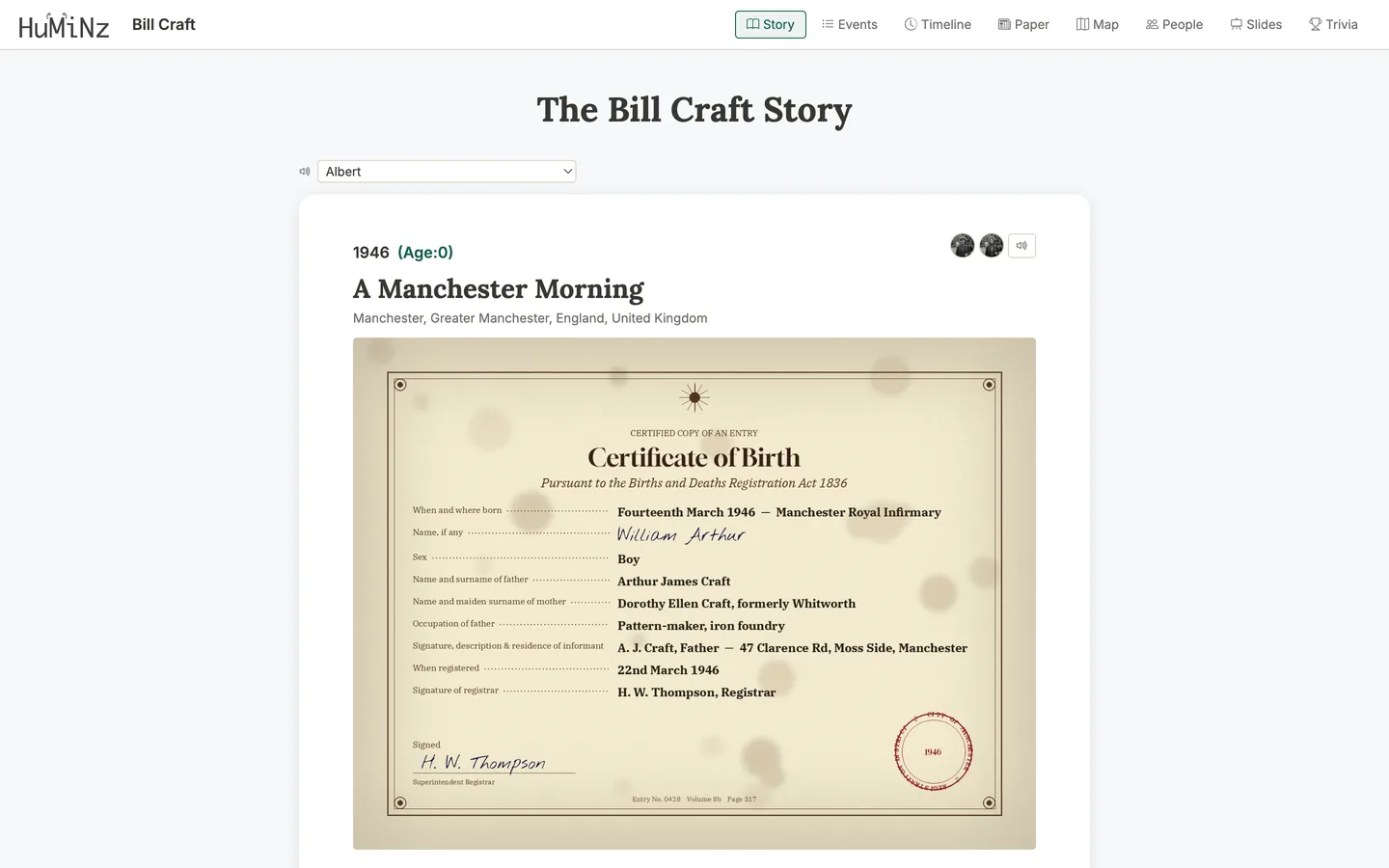
A Huminz life story in Story view, a chapter with its photographs

Reading: Story

Reading

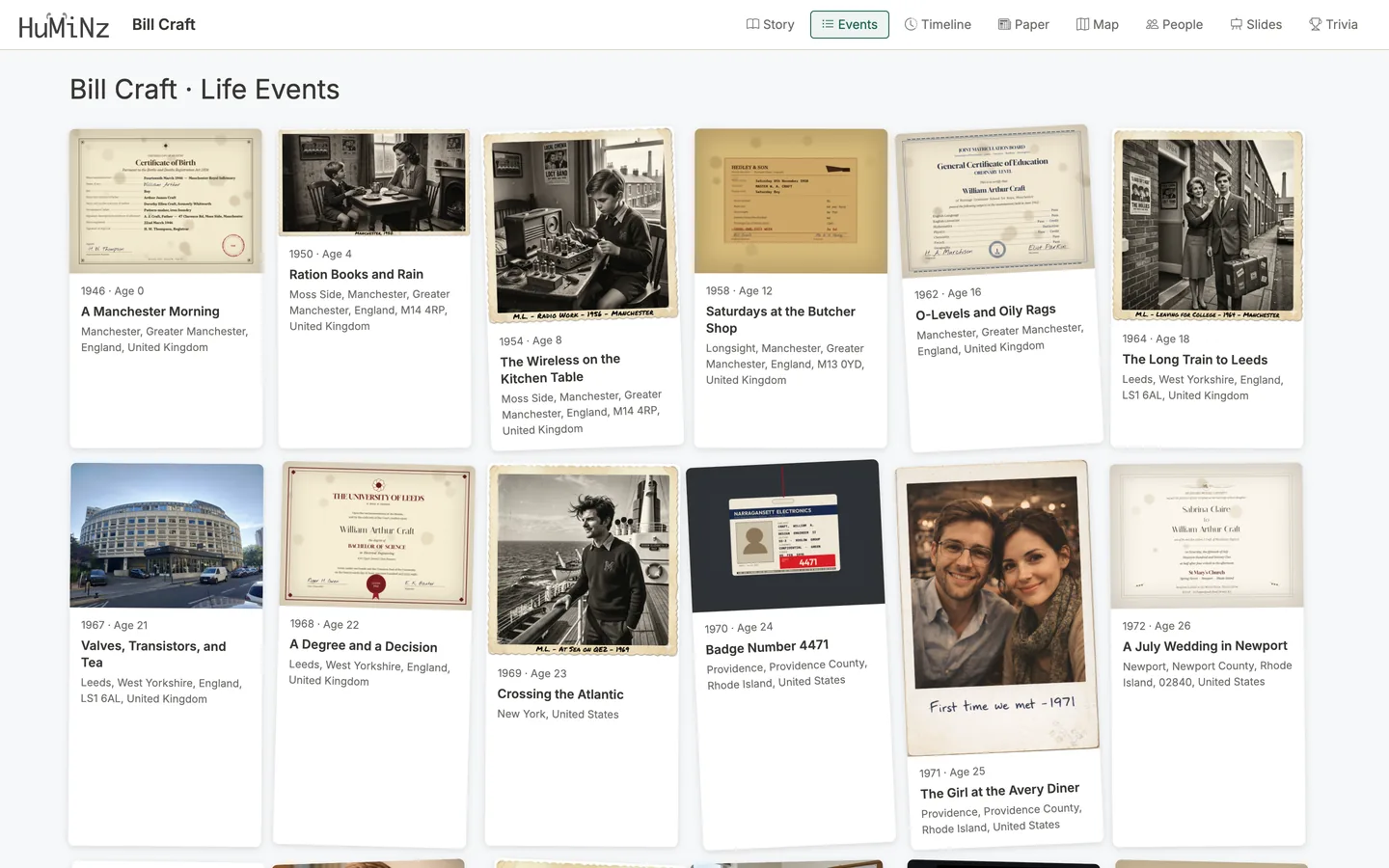
A Huminz life story in Events view, chapters and milestones as cards

Reading: Events

Reading

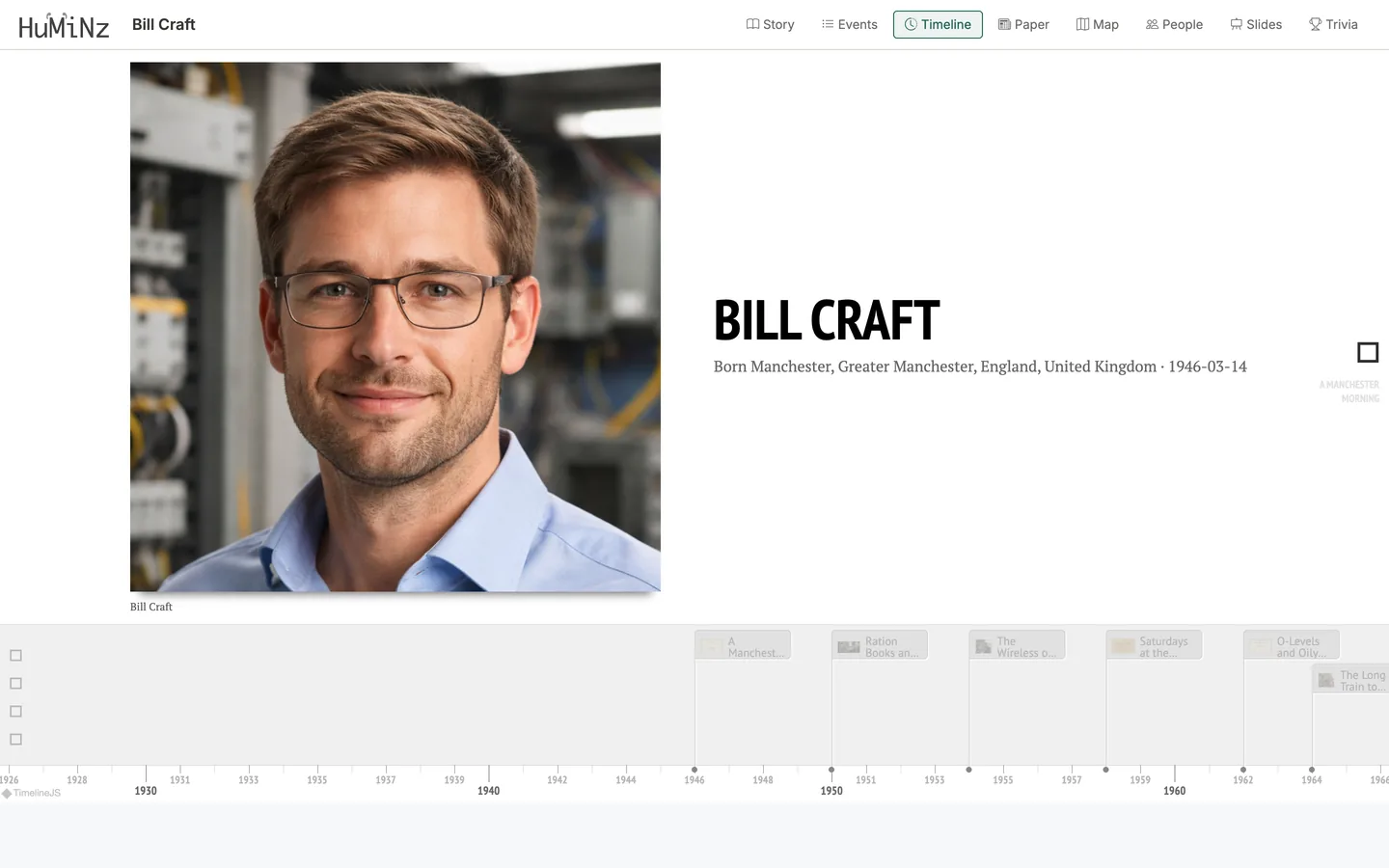
A Huminz life story in Timeline view, a chronological ribbon of chapters

Reading: Timeline

Reading

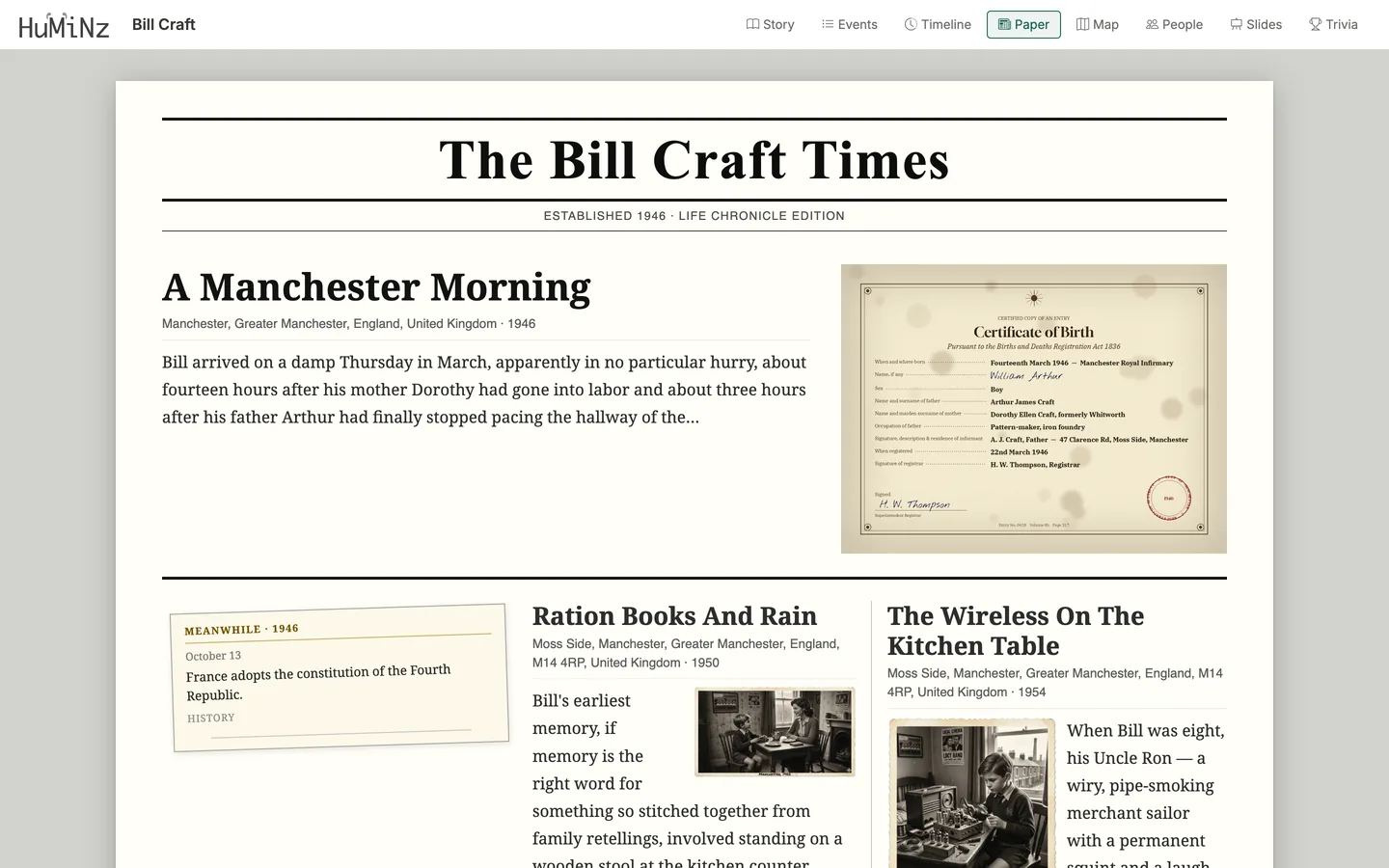
A Huminz life story in Paper view, laid out as a personal newspaper

Reading: Paper

Reading

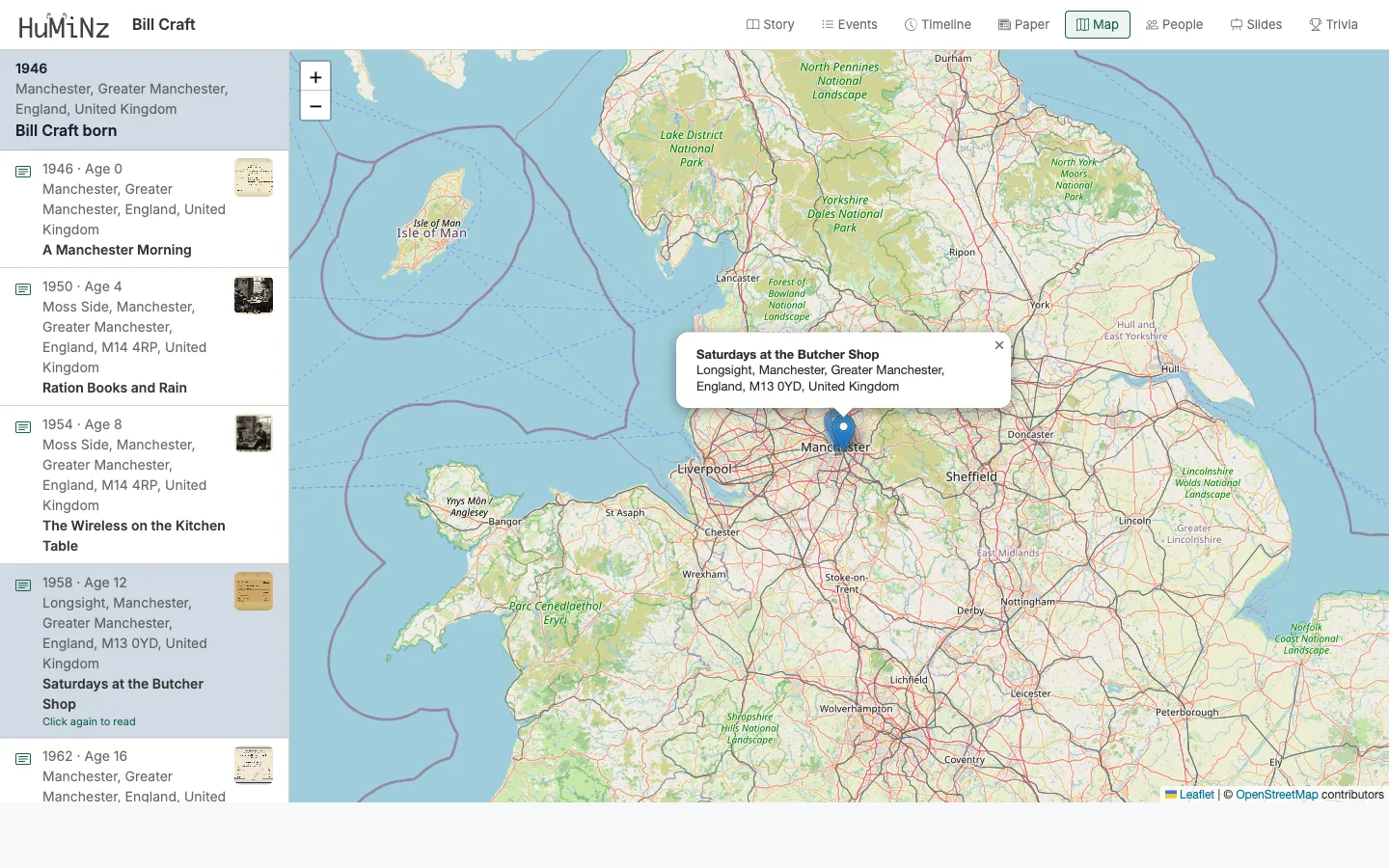
A Huminz life story in Map view, chapters plotted where they happened

Reading: Map

Reading

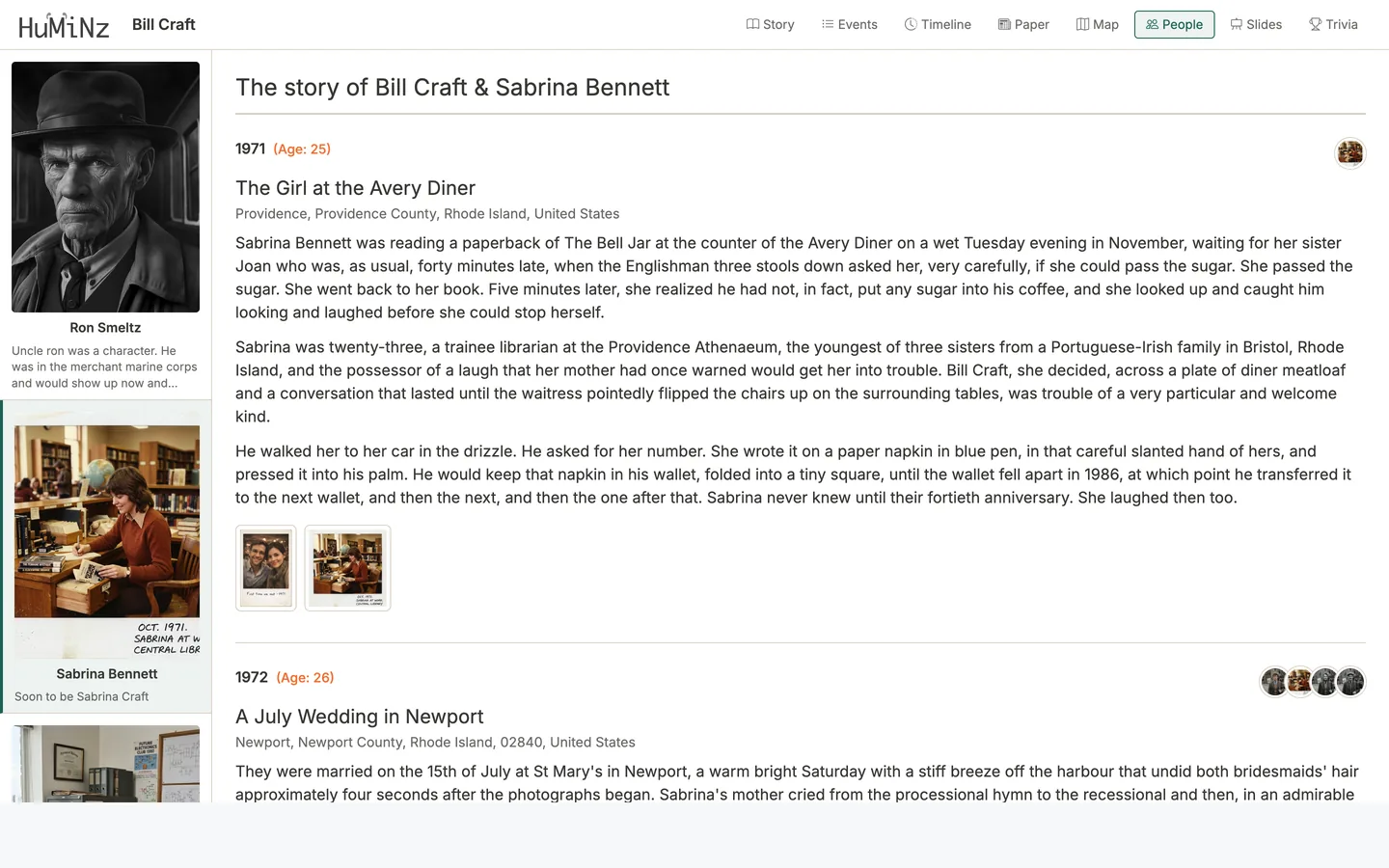
A Huminz life story in People view, read through the people in it

Reading: People

Reading

A Huminz life story as a full-screen slideshow for a family gathering

Reading: Slides

Reading

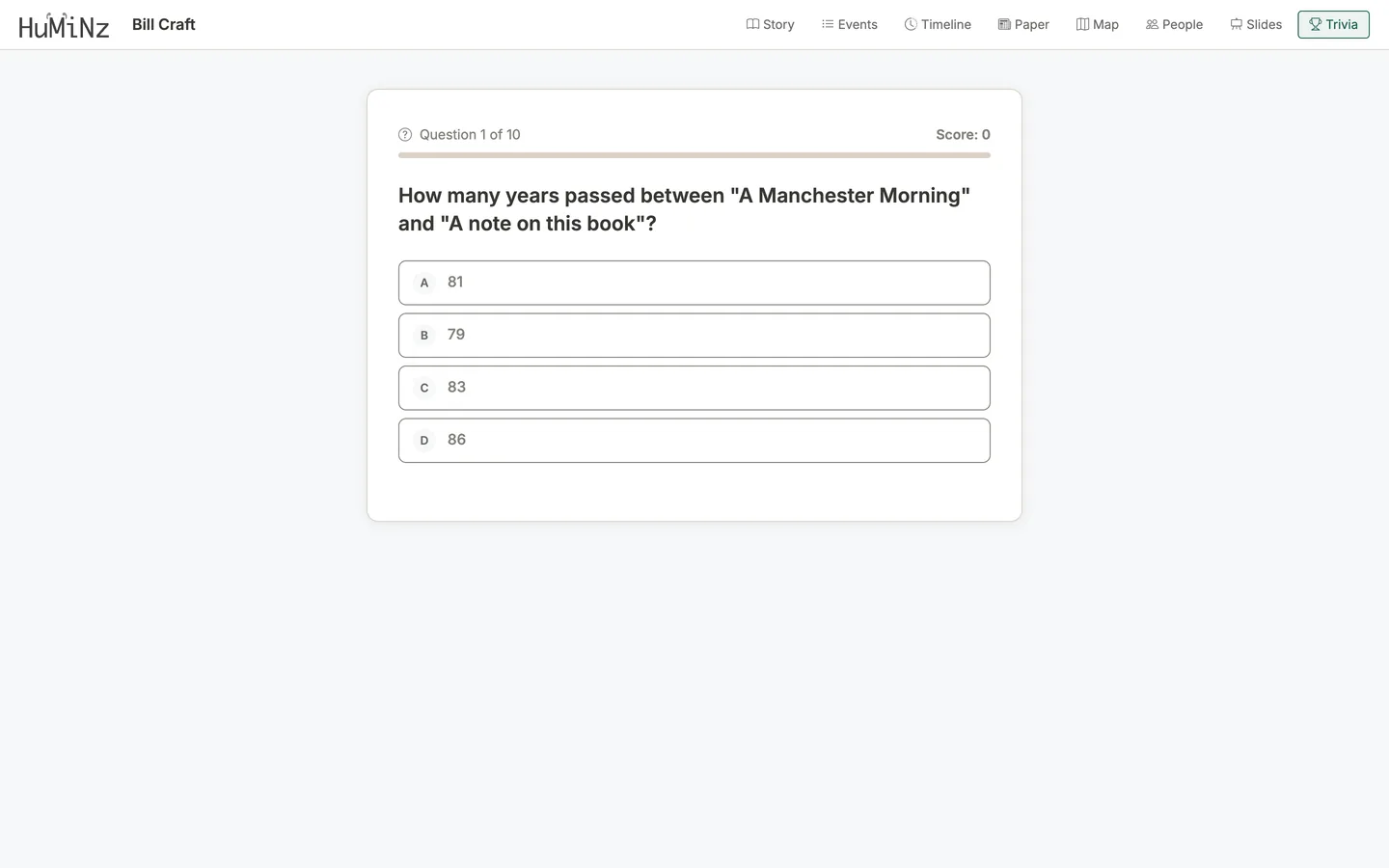
A Huminz life story turned into a quiz about the person it describes

Reading: Trivia

Reading

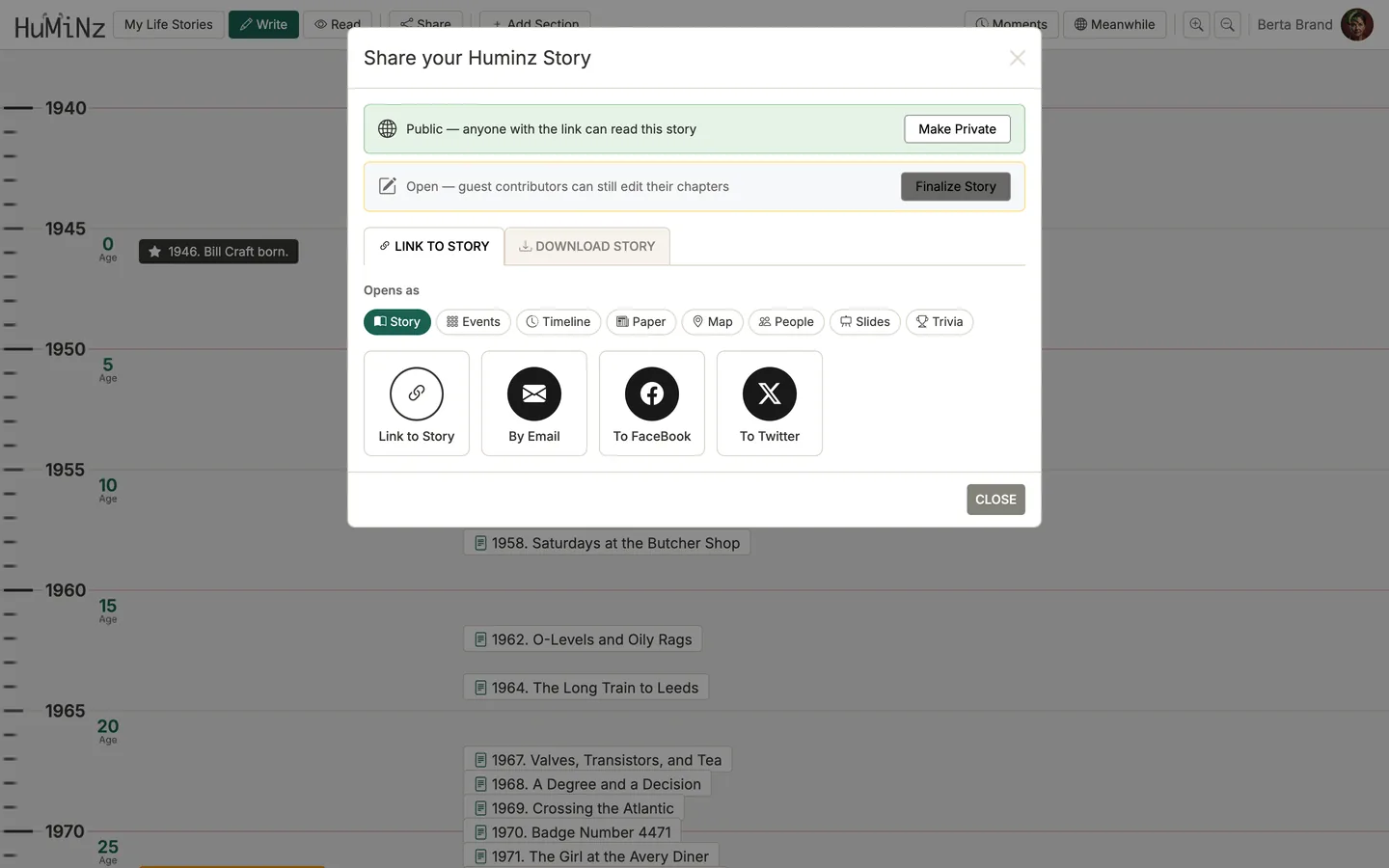
Huminz sharing options for a life story: link, email, Facebook or download

Sharing a Story

Sharing

Frequently asked questions

Answers to the most frequent questions from our users.

  • Yes, it is. Huminz’s basic level is totally free. It allows you to write your story. Add your pictures, videos and friends.

  • Creating and sharing stories on Huminz is completely free — no subscription, no hidden fees. The only paid feature is ordering a professionally printed physical book of your story. Other printed outputs may be added in the future, but writing, editing, and sharing your stories will always remain free.

  • Anyone who feels the urge to have their story told and shared. Family members who would like to preserve the family history and those amazing stories of their parents’ lives. It can also be used as a tool for all ages to tell someone else or an historical figure story.

  • Your stories are private by default — only you can see them. You decide who to share with and when: send a story by link or email, or make it completely public. You can also invite someone to contribute to a single chapter, which lets them add their own version of that memory. Sharing is reversible at any time. Huminz will never share your story or your personal information.

  • Yes. Huminz has a dedicated mobile web app built from the ground up for phones and tablets. When you open Huminz on a mobile device you are automatically directed to the mobile version. If you save it to your home screen, it behaves just like a native app — no app store required.

  • Writing the story


  • Just sign up and choose to create a new story. We recommend that you start with adding milestones for major events in life. Schools, work,weddings and kids. Look at the meanwhile column to remind yourself of major events in history.

  • Yes. You can write multiple stories at the same time.

  • While writing about a certain period in your life, “Meanwhile” gives a snapshot of the other events that were happening at that same time around you. As you scroll down these lists, they are bound to trigger long-forgotten memories from your past.

  • If you feel you hit a wall and don’t know how to proceed, click the “stuck” button for insightful questions to get your stories rolling again. For a blank chapter there is also Jumpstart — see the next question.

  • No — the story stays yours. Jumpstart is there for the hardest moment, the empty page. You write one sentence about the memory, Jumpstart asks you three questions about it, and from your answers it drafts a few paragraphs in the voice of your own writing. You can edit every word of it, ask for a different draft, or throw it away. Nothing is added to your chapter unless you accept it.

  • Click on the milestone you want to edit and use the “Make a chapter” button in the dialog box.

  • You can cut and paste text from any source. You can write in any application you are comfortable with and then copy it to the Huminz chapter.

  • Yes. You can invite contributors to any chapter using the People feature. An invitee can write their own version of that chapter — adding details, memories, or photos from their perspective. You, as the author, then decide whether to keep your original, use theirs, or copy over the parts that resonate. The story is always yours; contributors can only suggest.

  • Adding pictures, text, etc.


  • With our easy-to-use tools, you can tell your story in words, pictures, videos, and voice recordings, all in one place.

  • You can easily include photos from any phone or tablet. Our unique method allows you to seamlessly move any picture as you are editing your story.

  • You can easily add a video clip to any chapter. Video clips must be on YouTube in order to add them to your Huminz story. Once they are there you add them to Huminz by pasting their address into the video clip dialog.

  • Yes. You can record audio notes directly in the app. Each chapter can have its own audio recordings, which play back when reading the story.

  • People is a unique feature of huminz that allows you to have mini stories about the important people in your story. People is also the way to invite others to see and participate in the story.

  • Reading your story


  • Huminz displays your story in eight reading modes: Story (a clean narrative layout), Events (your chapters and milestones as a scrollable board), Timeline (a visual chronological view), Paper (your story as a personal front page), Map (your life plotted geographically, chapter by chapter), People (read the story through the people in it), Slides (a full-screen slideshow for a family gathering), and Trivia (a quiz made from your own story). You can switch between modes at any time.

  • Sharing the story


  • Share by email, on Facebook or on Twitter, create a slideshow for an event, or print a book. Your friends do not need to be Huminz users to read a story you share with them.

  • Sharing works at the story level: a story is either private, shared with the people you send the link to, or fully public. There is no separate setting to publish only some chapters of a shared story. If you want part of a life kept apart, keep it as its own story — you can write as many as you like.

  • Absolutely. You can share by email, on Facebook or on Twitter. Your friends do not have to be Huminz users, but we would love to have them writing and sharing their stories too.

  • Exporting & printing your story


  • Yes. You can download your story as a PDF or a Word document at any time, and either file can be taken to any print service. You can also order a professionally printed book from inside Huminz, with no files to handle yourself. How the printed book works.

  • Like a real book. A title page, a contents list with page numbers, then your chapters in order with their photographs, and a cover. Huminz lays the pages out for printing, so nothing is cut off at the edges or lost in the binding. You choose the size and the binding, look through the whole book before deciding, and order it from inside Huminz — there are no files to handle yourself. More about the printed book.

  • We love it too, but printing is only offered for the book layout at the moment. The newspaper is a way of reading your story on screen, and one you can share by link. A printed newspaper edition is something we would like to add later.

About Us

Etan Rozin

Rafi Holtzman

User-centric design has been the focus of our work, as we have taken new, disruptive product categories from concept to market, including the world’s first digital prepress systems and the first pocket-sized interactive whiteboard solution. Formally trained in industrial design, we strive for quality, aesthetics, and ease of use. We are passionate about the human learning process and user-centric design for software and hardware systems.

Etan was founder and VP product in several startups. His work included multiple products ranging from civil aviation, medical applications, digital printing, image processing to 3D printing with companies like: Kodak, Canon, Polaroid, Spectrum Dynamics, XJET, Cloud Ahoy.

Rafi previously was CEO of Luidia Inc., a pioneer in portable interactive education technology and remote learning applications. Under his leadership, Luidia moved to profitability in less than two years, with a 5X increase in revenue run rates within 3 years of launch, and the eBeam product line won numerous accolades from top technology and education publications. Rafi holds over 30 patents in multiple fields.

This is a project of the heart.

Huminz was built because we believe every person has a life story worth preserving. Whether you’re writing a personal memoir, capturing a parent’s history, or exploring the biography of someone who inspired you — Huminz gives you the structure, tools, and historical context to tell that story beautifully. This is a project of the heart, built by designers who have spent careers putting people at the centre of technology.


Guides

What we have learned about getting a life story written

How to Write a Life Story

A practical guide in nine steps, for your own story or someone else’s. Lay down the milestones before you write a word. Write one memory at a time. Let the photographs do the remembering, and give every one of them its names. Decide what to leave out — then share it earlier than feels comfortable.

Read the guide →

100 Questions to Ask Your Parents

“Tell me about your childhood” is an impossible question, and the conversation dies in the first minute. These are a hundred specific ones instead — childhood, school, first wage, courtship, the harder ground, and the people already gone. Grouped by era, and made to be printed and taken to a kitchen table.

Read the guide →

How to Record a Relative Telling Their Story

The written story is the part people plan for; the recording is the part they wish they had. A phone on the table is enough equipment — the difficulty is asking properly, keeping the session short, not filling the silences, and labelling the file before the phone goes back in your pocket.

Read the guide →

How to Write Your Mother’s or Father’s Life Story

Writing your own story is recollection; writing a parent’s is assembly. Where the facts come from, how to admit a gap instead of inventing across it, whose voice the thing is in, how to involve siblings without forming a committee, and what changes when you are writing it after they have gone.

Read the guide →

Signing in to Huminz with Google

Huminz offers Sign in with Google so you can create an account and sign in without managing another password. Signing in is the only thing Huminz uses your Google Account for.

When you choose it, Google shares your name, email address, and profile picture with Huminz. Huminz uses them only to create your account, recognise you when you return, and email you about your own stories.

Huminz does not request or receive access to Gmail, Google Drive, Google Photos, Contacts, Calendar, or any other Google service. The stories, photos, and recordings in your Huminz account are ones you upload yourself — nothing is ever read from or written to your Google Account.

Huminz’s use and transfer of information received from Google APIs adheres to the Google API Services User Data Policy, including the Limited Use requirements. Full detail is in the Huminz Privacy Policy.

Contact us

We want to hear from you. Whether you want to start using Huminz or have run into an issue creating stories... Let us know.

Email Us

info@huminz.com